Custom interfaces people actually use
Client portals, staff dashboards, workflow tools, AI copilots, searchable knowledge systems, document assistants, quote tools, and internal apps built around a real process.
Tell us what you do — we'll show you 10 ideas instantly.
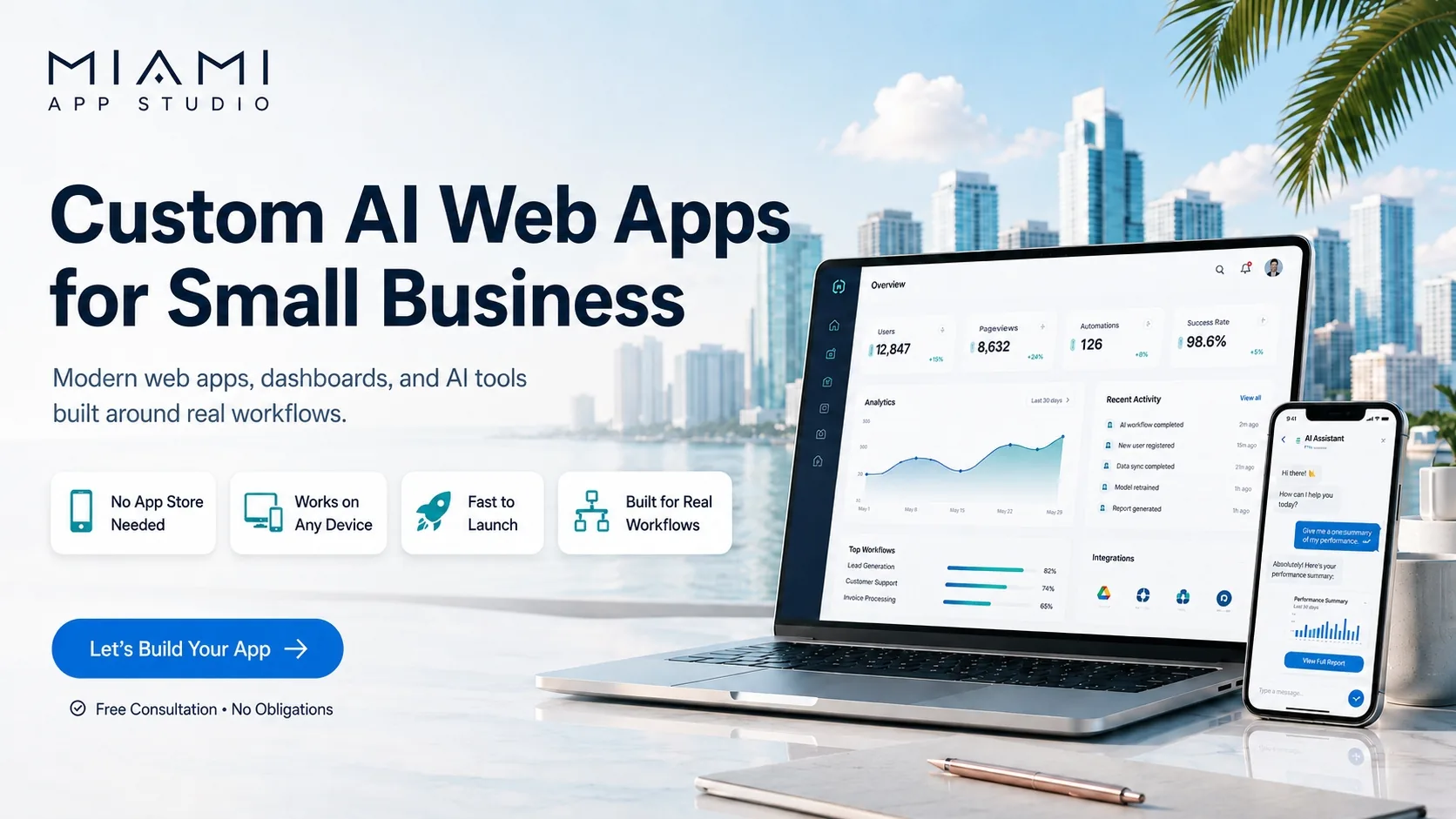
Miami App Studio builds custom AI apps, workflow automations, internal tools, dashboards, and end-to-end AI products tailored to how people actually work. Delivered as modern web apps that work instantly on any device — see recent work or how a project moves.
Tell me what type of work you want done — I'll give you ideas
Type your business or what you need built. Or pick a category below to see ideas instantly.
Four core directions. Most projects are a blend of these — custom interfaces people actually use, automations that remove manual work, full product development, and AI consulting to plan it all.
Custom interfaces people actually use
Client portals, staff dashboards, workflow tools, AI copilots, searchable knowledge systems, document assistants, quote tools, and internal apps built around a real process.
Less manual work, fewer dropped tasks
Lead routing, email follow-up, CRM updates, data cleanup, scheduling, reminders, review requests, summarization, SOP automation, and cross-tool workflow orchestration.
From rough idea to working product
Scope the concept, shape the UX, define the workflow, build the MVP, connect the moving parts, and turn an AI idea into something people can actually use.
Decide what AI should actually do for your business
Before building anything, we help you figure out what AI should actually do for your business. We review your workflow, spot time-wasting steps, and create a clear plan for useful AI tools, automations, or web apps. Learn more →
Simple, focused, and outcome-driven. Understand the workflow, identify what should be automated or built, scope the right version, and move toward a usable result.
Discover
Understand what you do, where time is lost, and what a better process should look like.
Scope
Map features, integrations, AI behavior, and the simplest version worth building first.
Build
Create the app, workflow, interface, and automation logic around your actual use case.
Launch
Refine the experience, fix rough edges, and keep iterating as the workflow becomes clearer.
A web app is a full software application that runs inside any browser at a URL. No App Store, no install, no download — just open the link and it works. Modern web apps look and feel exactly like native apps, with one major difference: they're faster to build, cheaper to maintain, and update instantly.
No install required
Customers click a link and start using it. Zero friction — no App Store review, no download, no "update available" prompts.
Works on every device
One codebase runs on iPhone, Android, iPad, Windows, Mac — any device with a browser. No separate iOS and Android versions to build or maintain.
Instant updates
Push a change once and every user has the new version immediately. No "please update your app" notifications, no waiting for App Store approval.
3–5x cheaper to build
Native apps require separate iOS, Android, and backend builds. Web apps are one build that works everywhere — lower cost, faster launch.
Found by Google
Web apps live at a real URL, so they show up in Google searches, get shared in social posts, and can be linked from anywhere. Native apps stay locked inside an app store.
Add to home screen
Modern web apps can be "installed" with one tap — they get an icon on the home screen and open full-screen, just like a native app. Best of both worlds.
No App Store fees
Apple and Google take 15–30% of every in-app purchase. Web apps skip that tax entirely — keep more of every sale, every subscription, every transaction.
Easy integrations
Plug straight into Stripe, Google, email, SMS, CRMs, spreadsheets, and AI APIs. Web apps live in the same ecosystem as the tools you already use.
You own it
No platform gatekeepers can reject your app, change rules, or delist you overnight. Your domain, your data, your customers — fully under your control.

| Feature | Web App | Native Mobile App |
|---|---|---|
| How users get it | Click a link | App Store download |
| Install required | No | Yes |
| Works on iPhone & Android | Yes — one build | Two separate builds |
| Updates | Instant for everyone | User must update app |
| App Store approval | Not needed | Required (can take weeks) |
| App Store fees | 0% | 15–30% |
| SEO / Google search | Yes | No |
| Shareable via link | Yes | Limited |
| Build cost | Lower | 3–5x higher |
| Time to launch | Days to weeks | Months |
| Works offline | Limited (with PWA) | Yes |
| Deep phone hardware access | Most features | Full |
For 95% of business apps — booking, CRM, dashboards, intake forms, content tools, AI assistants — a web app is the smarter choice. Native makes sense only when you need heavy offline use or deep camera/sensor integration.
“If I add it to my home screen, will it update when you change the app?”
Yes — automatically. A home screen icon for a web app is simply a shortcut to your live URL, not a frozen copy of the code. The next time the user opens it, the latest version loads from the server. You push a change once and every user — iPhone, Android, Mac, Windows — sees it the next time they open the app.
Real project examples. Click to open the live sites in a new tab.

An AI-powered healthcare organizer designed to help people prepare better for every doctor visit with clearer intake, records, and follow-up structure. Includes an in-office voice recorder so patients can capture the doctor's instructions, AI-generated visit summaries, medication tracking, appointment reminders, document upload for labs and prescriptions, and a shareable health profile for caregivers and family.

A music and personal brand website with mixes, favorites, library, and player — a clean public-facing experience for fans, including access to over 100 hours of music.
Answers to reduce hesitation before you fill out a quote request.
Do I need a fully defined idea?
No. You can describe the workflow, the problem, and the outcome you want. The quote form helps turn partial ideas into a clearer scope.
Can this be an internal tool instead of a public app?
Yes. Some projects are customer-facing, while others are private tools for teams, operations, sales, support, or admin work.
Can existing tools be connected?
Yes. Many good projects involve connecting existing systems like CRMs, spreadsheets, email, ecommerce tools, and booking software.
What happens after I submit the form?
The request gets reviewed, the scope is clarified if needed, and the next response can include questions, a rough direction, and a pricing path.
Tell us about your project — workflow, goals, tools, budget, and timeline. We'll review and respond with next steps and a pricing path.
Not ready for a quote yet? Send us a quick question and we'll reply within one business day. No pressure, no sales pitch.